Your cameras are already watching. CogniVision makes them intelligent.
We are a CogniVision implementation partner. We design, deploy and integrate AI-powered vision solutions for manufacturing, facilities management, retail, logistics and more across the GCC. It works with the cameras you already have on site.
✓ Defect detection✓ Dimensional measurement✓ Video analytics✓ Tracking and traceability
Definition
What computer vision is
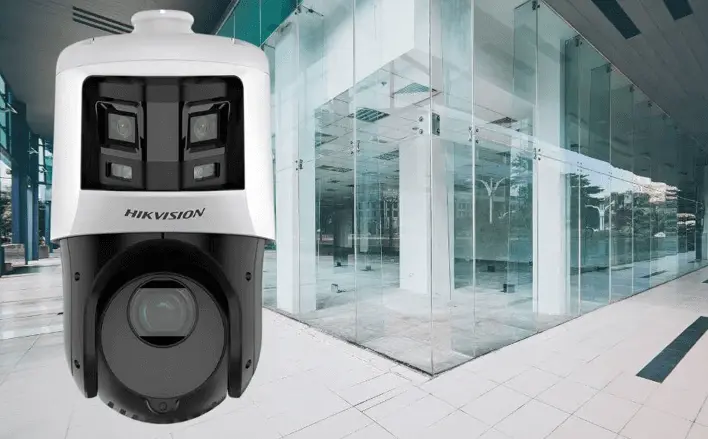
The hardware is already there
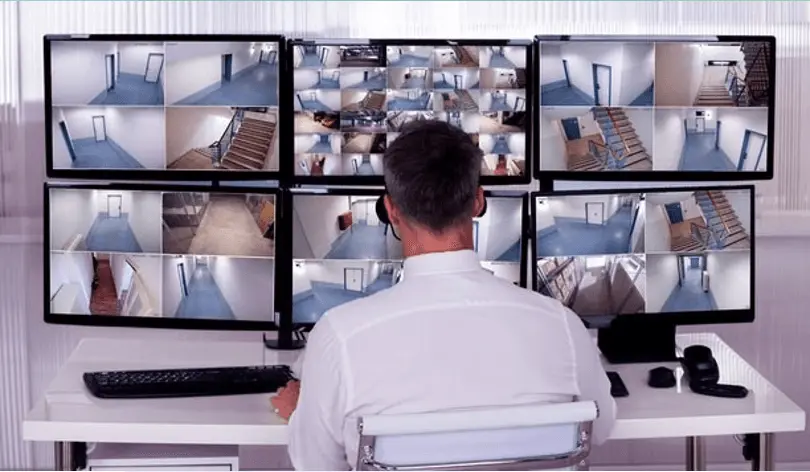
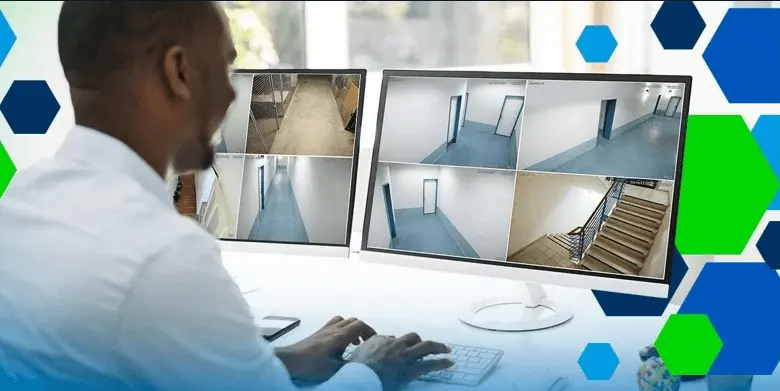
Cameras nobody watches
A typical warehouse, mall or plant has dozens of cameras recording continuously, watched by nobody, reviewed only when something has already gone wrong.
› CogniVision runs on those existing feeds
› Converting them into events, counts and alerts
› That reach a person while the situation is still live
› Rather than footage somebody searches afterwards
Plugs into your existing CCTV or IP camera setup. Works with any standard 4MP or 5MP cameras you already have on site. No new hardware needed in most cases.
Your existing cameras
02
Analyze
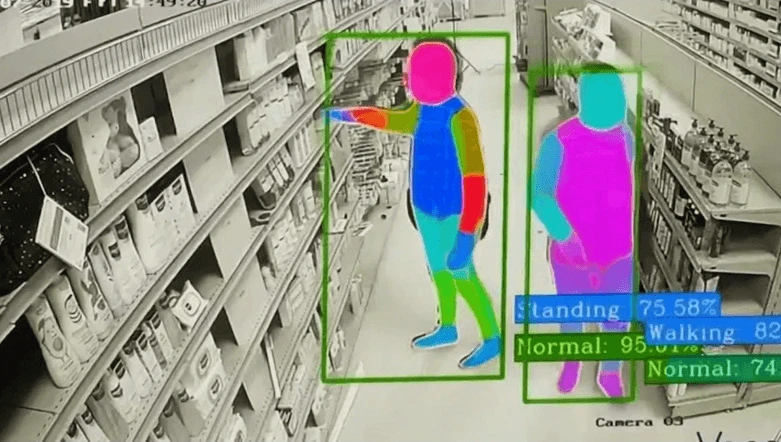
Advanced AI models watch every camera feed in real time. They detect people, behaviour, compliance violations and safety data automatically.
Every feed, in real time
03
Act
You get instant alerts, visual dashboards, heatmaps and compliance reports delivered to the people who need them.
CogniVision ships as four distinct products. Each solves a specific operational problem, and each can run on its own or alongside the others on the same camera infrastructure.
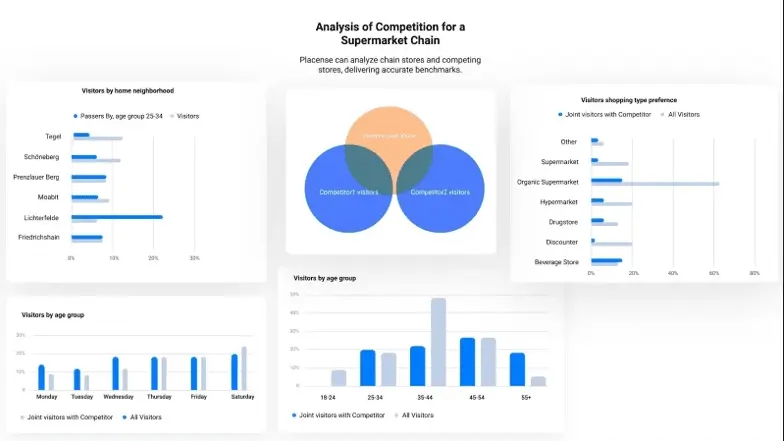
See exactly where your customers walk, which aisles get ignored, and when queues are getting too long. Get heat maps, automated footfall counting, staff tracking, and shoplifting detection all in one system.
If someone walks into a zone without their hard hat, vest, or gloves, the system flags it immediately. It also detects falls, tracks idle time, monitors restricted zones, and creates audit-ready compliance logs.
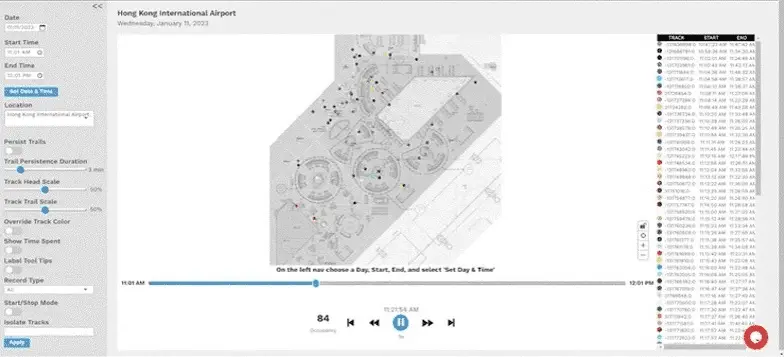
Monitor crowd density in real time, spot unattended bags, detect people too close to platform edges, and flag anyone entering restricted areas. Queue analytics help optimize security and boarding flows.
See how your space is being used with occupancy heatmaps, track staff attendance through movement analytics, and catch intruders or suspicious behavior automatically.
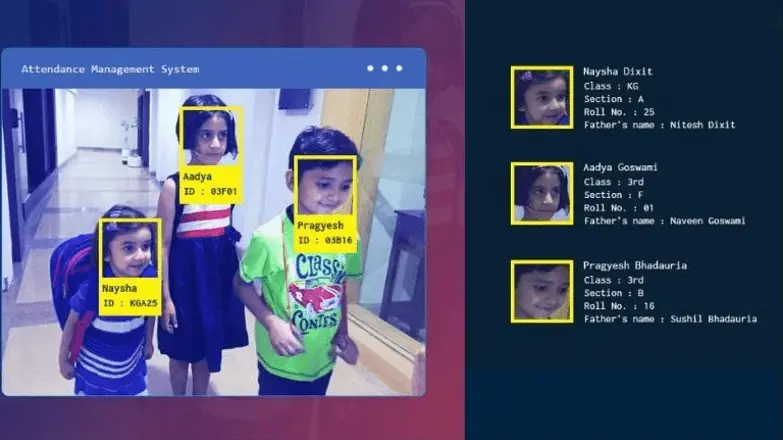
Automate attendance using face recognition, detect fights and bullying, reduce delays, track ward compliance, and use video summarization to review incidents in minutes instead of hours.
Fall DetectionFight DetectionVisitor AlertsDashboard
06
Healthcare
Detect patient falls the moment they happen, monitor OPD wait times to reduce delays, track ward compliance, and use video summarization to review incidents in minutes instead of hours.
Fall DetectionWait Time AnalyticsComplianceVideo Summary
07
Oil and gas facilities
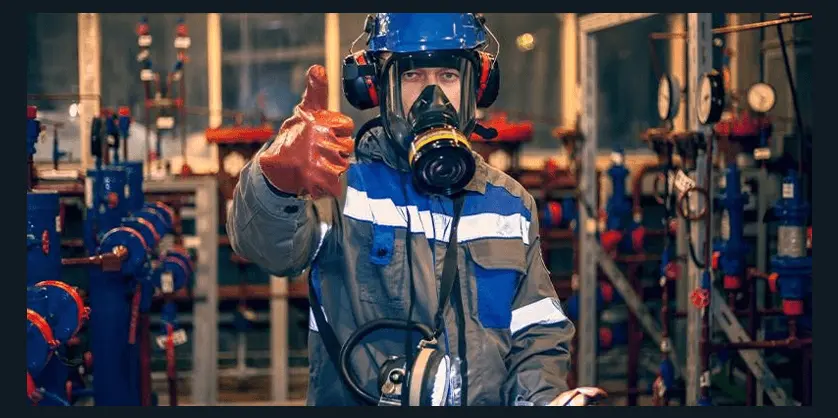
Automate PPE checks in hazardous zones, detect unsafe behavior before accidents happen, and monitor restricted area access 24/7. Safety audits that used to take days can now pull visual evidence instantly.
PPE EnforcementHazard DetectionZone AccessAudit Trails
08
Logistics and ports
Detect cargo theft and suspicious movement in real time, map yard activity with heatmaps, track manpower efficiency across shifts, and find exact incident moments in minutes with video search.
Nine detection types cover the requests we receive most often. Each one runs on standard camera feeds and produces a timestamped, exportable record rather than footage that has to be searched.
PPE compliance
Hard hats, high-visibility clothing, gloves and eye protection checked at entry to a zone rather than audited afterwards.
Fall and accident detection
A person on the ground detected and escalated in seconds rather than at the next patrol.
Intrusion and zone breach
Entry into a restricted or hazardous area, by time of day and by whether the person is authorised.
Heat maps and dwell time
Where people go and how long they stay, aggregated rather than tracked individually.
Queue and crowd monitoring
Queue length and crowd density, with an alert before a threshold rather than a report afterwards.
Workforce productivity
Activity against the line or the work area, measured consistently rather than sampled.
Video summarisation
Hours of footage reduced to the moments something happened.
Suspicious behaviour
Loitering, tailgating and movement patterns that differ from the norm for that location and time.
SOP compliance
Whether a documented procedure was actually followed, with a timestamped record either way.
Detection accuracy in every one of these is determined more by camera placement, angle and lighting than by the model. A site survey establishes what your existing cameras can support and where new ones are needed.
Privacy
Privacy, consent and UAE regulation
Four questions
Where the footage goes, and who can see it
Any system processing images of people needs a documented position on four questions: what is retained, for how long, who can access it, and on what basis.
Face recognition warrants particular care. In employment contexts, staff should be notified before enrolment and the policy documented — including what is stored, usually a mathematical template rather than a photograph.
› Counting and heat-map systems derive a number
› Generally without retaining identifiable footage
› Which places them in a different category entirely
› Worth stating explicitly, to reassure clients and their customers
› On-premise deployment keeps footage inside the building where residency is a requirement
These questions belong at design stage, not after installation.
Deployment
Cloud or on-premise: your choice
Cloud and on-premise deployment for CogniVision
Cloud
On-premise
No additional server hardware
Runs on a local server you already own
Scales across sites, deploys in days
Footage never leaves the building
Suits retail chains and SMEs
Suits government, defence, oil and gas
Where the data goes is usually a policy decision rather than a technical one. Government, defence and oil and gas clients typically require on-premise; retail chains and SMEs almost always take cloud. We will implement either.
What is computer vision and how do businesses use it?
Computer vision is software that interprets images and video the way a person would — counting people, reading a number plate, recognising a face, detecting an event. Businesses use it to automate observation tasks that would otherwise need someone watching a screen or standing at a door.
What does AI video analytics do?
Video analytics turns camera feeds into structured data: how many people entered, how long they waited, which vehicle arrived when, whether an area was occupied. That data then drives reporting and system actions, rather than only existing as footage someone reviews after an incident.
Which CogniVision products are available?
Four: a queue management system with tokens and counter routing, ANPR for number plate recognition at gates and car parks, people counting and footfall analytics for retail and branches, and face recognition attendance for workforce time capture. They run independently or together.
Can it work with our existing CCTV cameras?
Often yes, depending on camera resolution, positioning and frame rate. Analytics has stricter requirements than recording — a camera adequate for evidence may be mounted at the wrong angle or resolution for reliable counting or plate reading. A site survey establishes what can be reused.
Does the data stay on site or go to the cloud?
Both deployment models are available. Edge processing keeps video on site and transmits only the resulting data, which suits organisations with data residency or bandwidth constraints. Cloud processing simplifies multi-site management. The choice usually follows your privacy position rather than technical preference.
What about privacy and UAE regulations?
Any system processing images of people needs a clear position on what is retained, for how long, who can access it and on what basis. Face recognition in particular warrants explicit policy and, in employment contexts, employee notification. These questions belong at design stage, not after deployment.
How long does a CogniVision deployment take?
Two to six weeks per site depending on the product and whether cameras need installing. Site survey, camera positioning and calibration take most of the effort, because accuracy in vision systems is determined largely by physical setup rather than by software configuration.
Book a free 30 minute call with QZ Infomatics in Dubai. You will leave it with a platform recommendation, the reasoning behind it, a realistic timeline and an indicative budget band — before you commit to anything.
✓ A consultant who delivers projects, not a sales desk
✓ Odoo, Microsoft Dynamics 365 and Oracle NetSuite compared honestly
✓ Licence cost and implementation cost quoted as separate numbers
✓ If we are not the right fit for you, we will say so